How to Use PostHog for Indie App Growth
A practical PostHog setup for solo founders: the handful of events worth tracking, how to build your first funnel, and the three dashboards that show you exactly where users drop off.
 Jordan Kennedy
9 min read
Jordan Kennedy
9 min read
A surprising number of indie developers ship a product, watch the download count, and call that analytics. The number goes up, which feels good, and it tells you almost nothing. You cannot improve a number you cannot explain, and a download count explains nothing about why people leave.
I run product analytics on all three of my apps through PostHog, and the reason is boring: it is free at the scale I operate at, it answers the questions I actually have, and it does not require a data team to set up. This is the setup I would hand a solo founder who has never instrumented anything: the handful of events worth tracking, how to build a funnel that tells you something true, and the three dashboards that show you exactly where people fall off.
What is PostHog and why does it fit indie apps?
PostHog is product analytics: a tool for understanding what users do inside your product, not just how many of them showed up. It records events (a pageview, a button click, a signup), then lets you build funnels, retention curves, and dashboards on top of those events. It is open source, and the hosted free tier covers up to one million events per month.
That free tier is the part that matters for a solo founder. An early-stage app generates tens of thousands of events a month, not millions, so the practical cost of doing this properly is zero until you have real scale. I went through the math on my whole free stack in the $0 marketing stack I use to grow 3 apps, and PostHog was the tool that replaced four separate paid options I was considering.
The other reason it fits is that it does the three things an indie product actually needs in one place: it tells you where users come from, whether they reach the moment your product becomes useful, and whether they come back. Most analytics tools do one of those well and bolt the other two on. PostHog treats all three as the point.
Which events should you actually track?
Here is the mistake almost everyone makes, including me on my first project: they turn on autocapture, feel productive because data is flowing, then open the dashboard a month later and find a wall of clicks they cannot do anything with. Autocapture records every click and pageview automatically, with no code. It is genuinely useful for exploring what people do. It is close to useless for making decisions, because the events have generic names and no meaning attached to them.
The fix is to define a small set of named custom events that map to the moments that matter in your product. For most apps, that is five to eight events, and no more than that to start. Track the decisions, not the clicks.
A solid starting set for a typical web or mobile app looks like this:
| Event | What it marks | Why it matters |
|---|---|---|
landing_viewed |
Someone hit your main entry page | The top of every funnel |
signup_started |
They began creating an account | Separates intent from completion |
signup_completed |
They finished signup | Your first hard conversion |
activated |
They did the one thing that delivers value | The single most important event |
returned |
They came back on a later day | The earliest signal of retention |
purchased |
They paid | The event that pays the bills |
The one to obsess over is activated. Activation is the moment a user experiences the core value of your product for the first time: the first budget created, the first movie added to a watchlist, the first report generated. Everything before it is overhead, and everything after it is where retention lives. If you define only one custom event, define that one.
Name events in a consistent style (I use lowercase with underscores) and attach properties where they help, like the plan a user is on or the source they came from. Resist the urge to add ten properties to every event. You can always add more later. You cannot easily clean up a project full of noise once a few months of data has accumulated.
How do you set up your first funnel in PostHog?
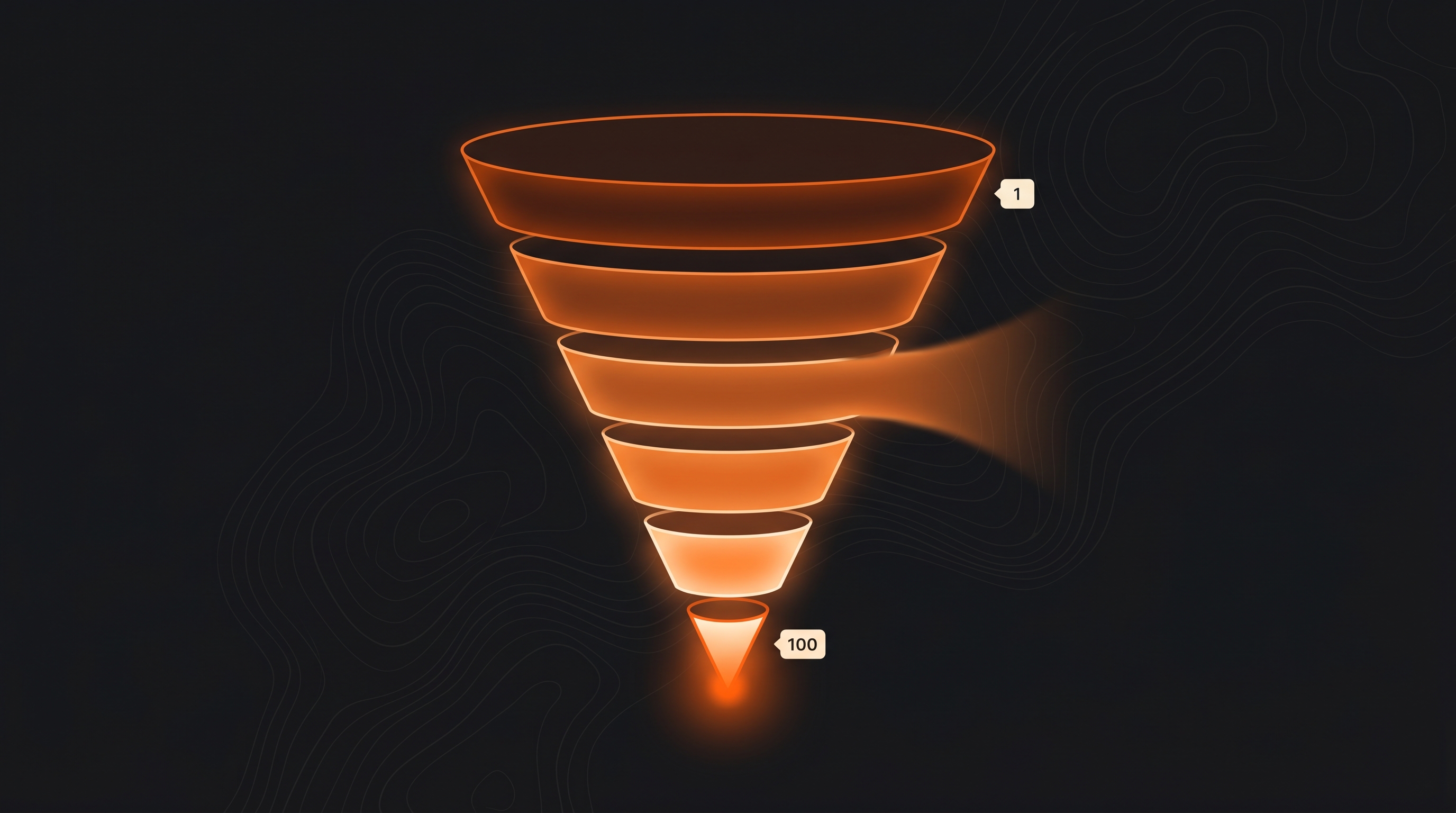
A funnel is an ordered sequence of steps, and PostHog shows you the percentage of users who make it from each step to the next. It is the most important thing in the entire tool for a growth-focused founder, because it converts a vague feeling (“not many people are converting”) into a specific number (“78 percent of people who start signup never finish it”).
To build one, open the Funnels insight, then add your events as ordered steps. For a basic activation funnel, that is:
landing_viewedsignup_startedsignup_completedactivated
Set the conversion window to something realistic for your product. For a quick web tool, a single session or 24 hours is reasonable. For something people evaluate over a few days, give it a week. The window matters because a funnel that is too tight will undercount people who came back later to finish, and a window that is too loose will credit conversions that had nothing to do with the original visit.
When you run it, PostHog draws the drop-off between each step. The first time you do this, the largest drop is almost never where you assumed it would be. Founders tend to blame the signup form when the real leak is the landing page, or blame the landing page when the real leak is the gap between signing up and ever doing anything. The funnel does not care about your theory. That is exactly why it is worth building.
One thing worth doing on day one: break the funnel down by source or device. PostHog lets you split any funnel by a property, and a conversion rate that looks fine in aggregate often hides a mobile experience that converts at half the rate of desktop. The aggregate number lies by averaging. The breakdown tells the truth.
What are the three dashboards that show where users drop off?
You do not need ten dashboards. You need three, and they map to the three questions that decide whether a product grows: are people arriving, are they reaching value, and are they coming back. I keep one dashboard for each, and I check them in that order, because there is no point optimizing retention if nobody is activating, and no point optimizing activation if nobody is arriving.
The acquisition dashboard
This answers “where do users come from, and which sources are worth my time?” Put a trends graph of landing_viewed broken down by referring domain or UTM source, a graph of signups by source, and a simple total of new users over time. The goal is not to admire the traffic line. It is to see which channels actually produce signups rather than just visits, because a channel that sends a thousand bouncing visitors is worth less than one that sends fifty who convert. If you have not figured out where your people even are yet, that is a different problem, and I wrote about solving it in how to get your first 100 users.
The activation dashboard
This is the one I look at most. Put your activation funnel here (the four-step one above), a trend line of the activation rate over time, and the time-to-activate if you can measure it. The question this dashboard answers is the most important one in your whole product: of the people who sign up, how many ever reach the moment your product is actually useful? If that number is low, no amount of new traffic will save you, because you are pouring water into a bucket with a hole in it. Fix the hole first.
The retention dashboard
This answers “do people come back?” PostHog has a dedicated retention insight that shows what percentage of users return in the days and weeks after their first visit, displayed as a cohort grid. A healthy product shows retention that flattens into a stable line rather than falling to zero. A flat line, even a low one, means you have a core of people who find the product worth returning to, and that core is what you grow from. A line that hits zero means you have a leaky product no marketing budget can fix. Retention is the metric that quietly decides everything else, and it is the last one most indie devs look at.
How do you read a funnel without fooling yourself?
A funnel will happily confirm whatever you already believe if you let it. The discipline is in reading it honestly, and there are three traps worth naming.
The first is celebrating the wrong number. A 90 percent step-to-step conversion looks great until you notice the step before it lost 80 percent of users, so your impressive rate applies to a tiny surviving group. Always read the funnel as a whole, from the top, and pay attention to the absolute count of people at each stage, not just the percentages.
The second is the segment that hides in the average. I mentioned this with mobile versus desktop, and it applies to every dimension: new versus returning users, paid versus organic traffic, one country versus another. When a number looks merely okay, break it down before you accept it. The okay average is often a great segment and a broken one mashed together.
The third is acting on too little data. If forty people entered your funnel this week, the difference between a 20 percent and a 30 percent conversion is four people, which is noise, not a trend. Wait for enough volume that the numbers stop swinging wildly before you make a change based on them. Early on, this means being patient longer than feels comfortable.
What should you ignore in PostHog?
PostHog can do a lot, and most of it is not your job yet. Session replays are genuinely useful when you have a specific drop-off to investigate, and a genuine time sink when you watch them for entertainment. Feature flags are excellent once you are running real experiments, and premature when you have no traffic to test against. The full suite of insight types will tempt you into building dashboards that look sophisticated and answer no question you actually have.
The honest rule is this: if a chart would not change a decision you are about to make, you do not need it yet. Acquisition, activation, and retention change decisions. A pie chart of browser versions does not. Start narrow, get those three healthy, and add the advanced features when you have a question they are the right tool to answer.
Good analytics is not about collecting more data. It is about defining the few moments that matter before you look, so that when you do look, the numbers can actually tell you something. That same idea is the reason I built GrowthMap. A growth report does the upstream version of this work: it pulls real data about your competitors, your audience, and your SEO so that when you sit down to act, you are working from what is true about your market rather than what you assume. Analytics tells you what is happening inside your product. GrowthMap tells you what is happening around it. You want both, and you can run your own report for $19.
Frequently Asked Questions
Is PostHog free for indie developers?
Yes. PostHog's free tier covers up to one million events per month, which is more than enough for an early-stage app. You only start paying once you exceed the free allowance, and most indie products take a long time to get there. It is one of the few genuinely good free tools in the analytics market.
What events should an indie app track in PostHog?
Start with five to eight named events that map to your user journey: a landing pageview, signup started, signup completed, the first action that delivers value (activation), and a retention or conversion event like a return visit or a purchase. Track the decisions, not the clicks. You can always add more later, but you cannot un-clutter a project full of noise.
How do I build a funnel in PostHog?
Go to the Funnels insight, add your events as ordered steps starting with the entry point and ending with your goal, then set the conversion window to a realistic timeframe for your product. PostHog shows the drop-off between each step. The first time you do this, the largest drop is usually somewhere you did not expect, which is the entire point.
What is the difference between autocapture and custom events?
Autocapture records clicks, pageviews, and form interactions automatically without any code. Custom events are ones you define and fire deliberately, like 'report_generated' or 'subscription_started.' Autocapture is great for exploring what people do. Custom events are what you build funnels and decisions on, because they have stable, meaningful names.
How many events per month will a small app generate?
It depends on traffic, but an early-stage indie app with a few hundred to a few thousand monthly visitors will typically generate tens of thousands of events, not millions. Pageviews and autocaptured clicks make up most of the volume. You are unlikely to approach PostHog's one million event free tier until you have meaningful scale.
Can I use PostHog for both a website and a mobile app?
Yes. PostHog has a JavaScript snippet for web and SDKs for iOS, Android, React Native, and Flutter. You can send events from a marketing site, a web app, and a mobile app into the same project, or split them into separate projects. For a solo founder running multiple surfaces, one project per product usually keeps things clean.
Does PostHog replace Google Analytics?
For product analytics, yes, and it does more. Google Analytics is built for measuring website traffic and marketing campaigns. PostHog is built for understanding what users do inside your product: funnels, retention, session replays, and feature flags. Many indie devs run Google Search Console for SEO data and PostHog for product behavior, and skip Google Analytics entirely.